How to Find Channels on IPTV: Search, Favourites and the Guide (2026)
A full IPTV line can carry a very large number of channels, which is great until you are scrolling for five minutes trying to find the one you want. The fix is not fewer channels; it is knowing the three tools every good player gives you: search, favourites and categories, all tied together by the TV guide. This guide shows exactly how to find any channel fast, organise the ones you watch, use the guide to jump straight to a programme, and fix the common case where a channel seems to be missing. Set this up once and you will never scroll aimlessly again.
In this guide: the three ways to find channels, using search, building favourites, using categories and the guide, fixing missing channels, and a FAQ.
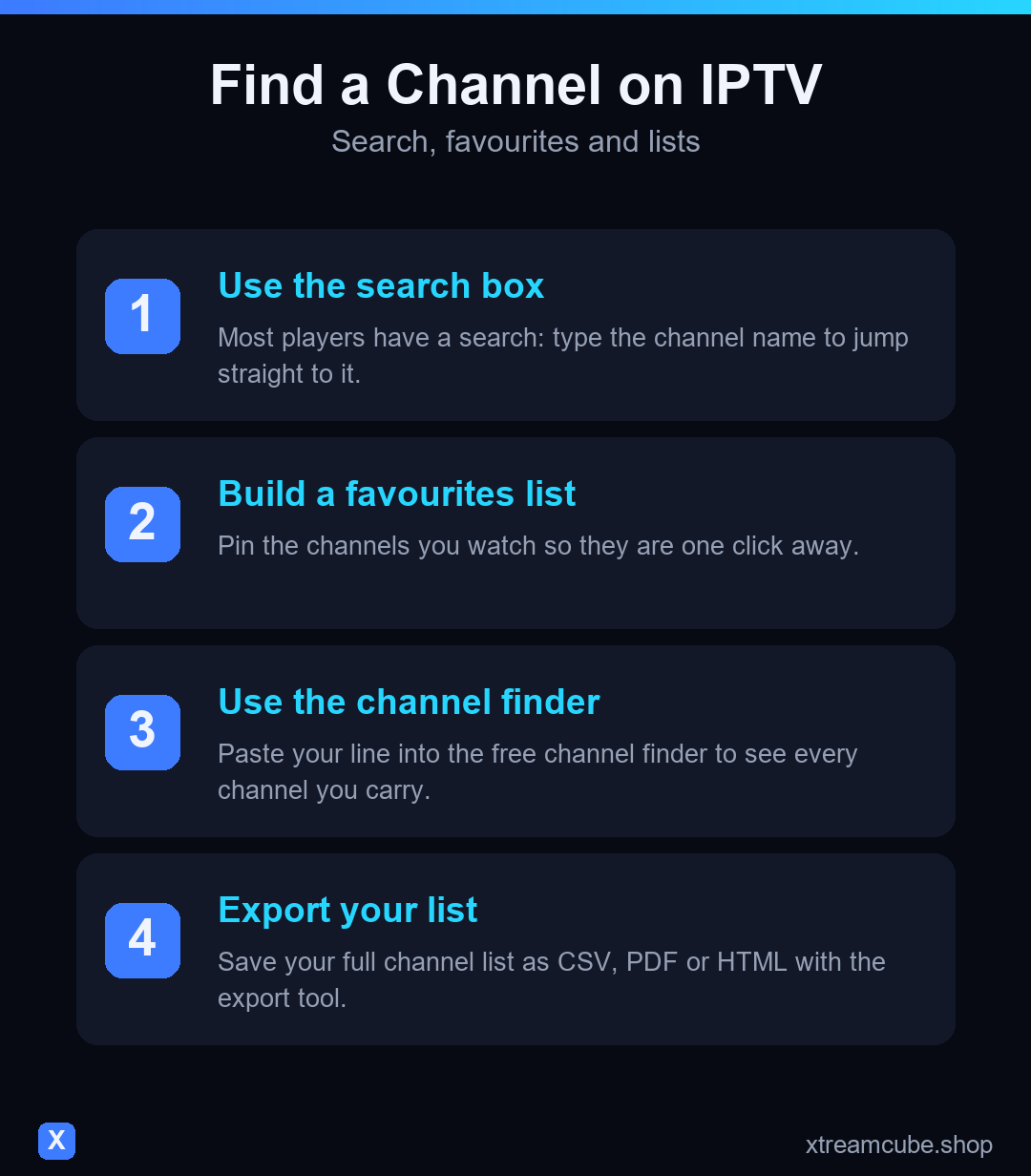
Three ways to find a channel
| Method | Best for |
|---|---|
| Search | Finding one specific channel by name right now |
| Favourites | The channels you watch every day |
| Categories and the guide | Browsing by genre or seeing what is on |
Good players give you all three. Learn each and the size of the line stops mattering.
Using search
Search is the fastest way to a specific channel. In most players, open the channel list and look for a search or magnifying-glass icon, then type part of the channel name. A few tips:
- Type just a few letters; you rarely need the full name.
- If nothing appears, try an alternative name or abbreviation for the channel.
- Search looks through the whole line, so it is the quickest way to confirm a channel exists.
Building your favourites
Favourites are the single biggest time-saver in IPTV. Star the channels you actually watch and you get a short, personal list instead of thousands of entries.
- Find a channel you watch often, through search or categories.
- Use the favourite or star option (often a long-press or a menu button).
- Repeat for your regular channels.
- Switch the player to show the Favourites list by default.
Every major player supports this, including IPTV Smarters Pro and TiviMate.
Using categories and the guide
When you want to browse rather than search, categories group channels by type — sport, news, films, kids, and by country. Combined with the electronic programme guide (EPG), you can see what is on now and next and jump straight to it. Make sure your device time zone is correct, or the guide will show the wrong times. For the full walkthrough, see how to add EPG to IPTV.
When a channel seems to be missing
Before assuming a channel is gone, check these in order:
| Check | Why |
|---|---|
| Search by a different name | Channels are often listed under an abbreviation or country prefix |
| Look in the right category | It may be filed under a genre or country you did not expect |
| Refresh or reload the line | The list may not have fully loaded |
| Check the guide loaded | A missing EPG can make channels look empty |
| Confirm the line is active | An expired line shows few or no channels |
If a channel loads but will not play, that is a different issue — see black screen on some channels.
Keep your line tidy with free tools
If your playlist is large or messy, our free IPTV tools can clean out dead entries, split a huge list into smaller ones, or check which channels have missing logos — all in the browser, with nothing to install.
Find your channels on a free trial
The best way to see how a line is organised is to browse it yourself. Start a free 24-hour trial with no payment details, get your login by email, and set up search, favourites and categories on your own screen.
Frequently asked questions
How do I find a specific channel quickly? Use the search icon in your player’s channel list and type part of the name.
How do I stop scrolling through thousands of channels? Build a favourites list of the channels you watch, and set the player to show favourites by default.
Why can I not find a channel I know exists? It is often listed under a different name, abbreviation or country prefix. Search a shorter term or check another category.
How do I organise channels by type? Use the categories in your player, which group channels by genre and country.
Why is my channel list empty? The line may not have loaded, the guide may be missing, or the line may be inactive. Refresh and confirm the line is active.
Do all players have search and favourites? All the major ones do, including Smarters Pro and TiviMate.
A channel is there but will not play. Why? That is a playback issue, not a missing channel. See our black-screen guide.
Can I clean up a messy channel list? Yes, with our free M3U cleaner and splitter tools.
Is there a free trial to explore the channels? Yes, a 24-hour trial with no payment details.
More XtreamCube guides
By the XtreamCube team. Last updated: 2026. We test setups on real devices and connections to keep this guide accurate.