Most IPTV services look identical on their homepage: thousands of channels, 4K, every device. The only way to tell a good one from a dead or laggy line is to test it properly before any money changes hands. Here is the exact checklist to do that in under an hour, so you never pay for a service that falls apart the first time there is a big match on.
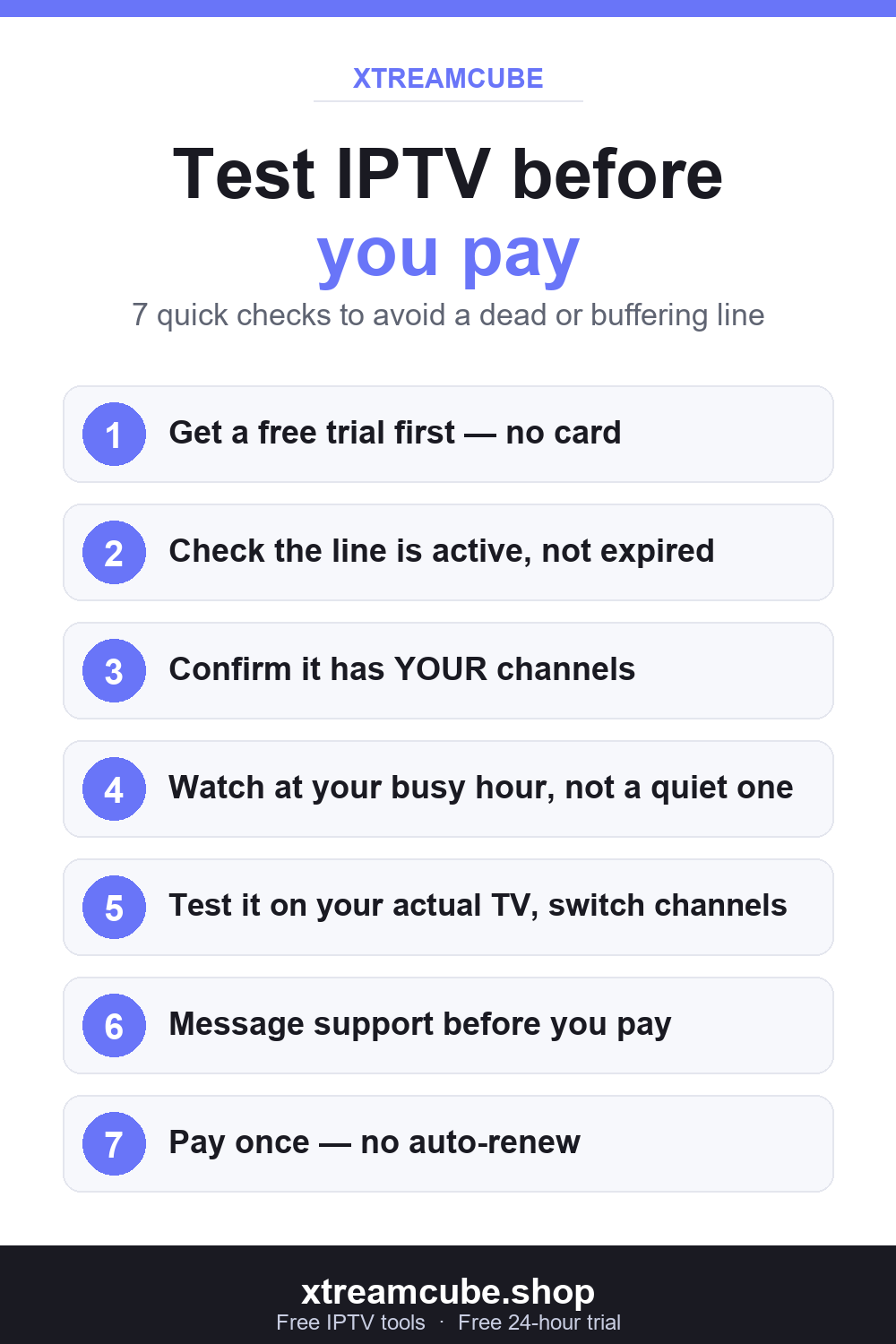
1. Start with a real free trial, no card
A provider that is confident in its streams will let you test on your own connection first, with no payment details. If the only way to find out whether it works is to pay, that already tells you something. Get a trial login and test the actual service, not a demo. You can start a free 24-hour trial here with no card and nothing to cancel.
2. Check the line is actually active
Before you judge anything, confirm the line itself is live and not already expired or capped. Paste your Xtream Codes or M3U details into a free line checker and read the status, the expiry date and the device limit in seconds. If a seller hands you a line that is already dead or limited to one device, you want to know before you commit, not after.
3. Confirm it carries the channels you actually watch
A huge channel count means nothing if your channels are missing. Make a short list of the five or six you genuinely care about, then check each one with an IPTV channel finder: type the name, paste your line, and see whether it is there and in which folder. Thirty seconds here saves you from paying for a package that is missing the one league or network you switched for.
4. Watch at your busy hour, not a quiet moment
Any line looks perfect at 11am on a Tuesday. The test that matters is primetime, or during a live event, when the servers are under load. That is when a weak provider buffers and a good one holds. Schedule your trial around the hours you will really be watching.
5. Switch channels, and test it on the TV
Do not judge a service on a single stream. Zap between channels: slow channel changing is the daily irritation a one-channel test hides. And test it on the television you actually watch on, not only your phone, because a stream can be smooth on a phone and stutter on a 4K panel. Open it on the real screen before you decide.
6. Message support before you pay
Send the support team a question before you buy anything. How fast they reply, and whether a real person answers, tells you more than any feature list. If the only contact is an anonymous group chat, or nobody answers until after you have paid, treat that as a warning.
7. Read the payment terms carefully
Look for one clear price and no silent auto-renew. Be wary of a cheap lifetime deal: servers cost money every month, so nobody can run one on a single payment forever without disappearing. You want to pay once, for the period you choose, with no card kept on file.
Related reading: is XtreamCube legit, and free vs paid IPTV.
The quick version
- Get a no-card trial first.
- Check the line is active and not capped.
- Confirm it has your channels.
- Watch at your busy hour, on your TV, switching channels.
- Message support before paying.
- Make sure it is pay-once with no auto-renew.
Run these seven checks on any provider, including us. If a service passes all of them on your own connection, you are not guessing any more, you know it works. Start your free trial and put it through the list.
Ready to decide? See our complete XtreamCube review (2026) for pricing, devices and a verdict.