How to Add an EPG (TV Guide) to Your IPTV App: Complete 2026 Guide
The EPG, or electronic programme guide, is what turns a wall of channels into a proper TV experience: what is on now, what is next, and a schedule you can scroll. Most of the time it loads automatically, and when it does not, the fix is usually simple. This guide explains what the EPG is, how it loads with an Xtream Codes login, how to add a guide manually when you need to, the exact steps for the main players, the time-zone detail that trips everyone up, and how to fix an empty or wrong guide. Get this right and your player finally feels like a real TV.
In this guide: what an EPG is, how it loads automatically, adding one manually, per-player steps, the time-zone fix, troubleshooting, and a FAQ.
What is an EPG?
The EPG is the schedule data for your channels: the programme titles, start times and descriptions that fill the guide. Your player overlays this on the channels so you can see what is on and jump straight to it. The channels come from your line; the EPG is the schedule layered on top. When they match, you get a clean, browsable guide.
How the EPG loads automatically
With an Xtream Codes login (server, username, password), most players pull the EPG for you with no extra steps. This is the easiest route and the reason we recommend Xtream Codes over a plain M3U link. If you logged in with Xtream Codes and the guide is still empty, it usually just needs a minute or a refresh, covered in troubleshooting below.
| Login type | EPG behaviour |
|---|---|
| Xtream Codes | Guide loads automatically |
| M3U link only | Channels load; the guide may need a separate EPG source |
Adding an EPG manually (XMLTV)
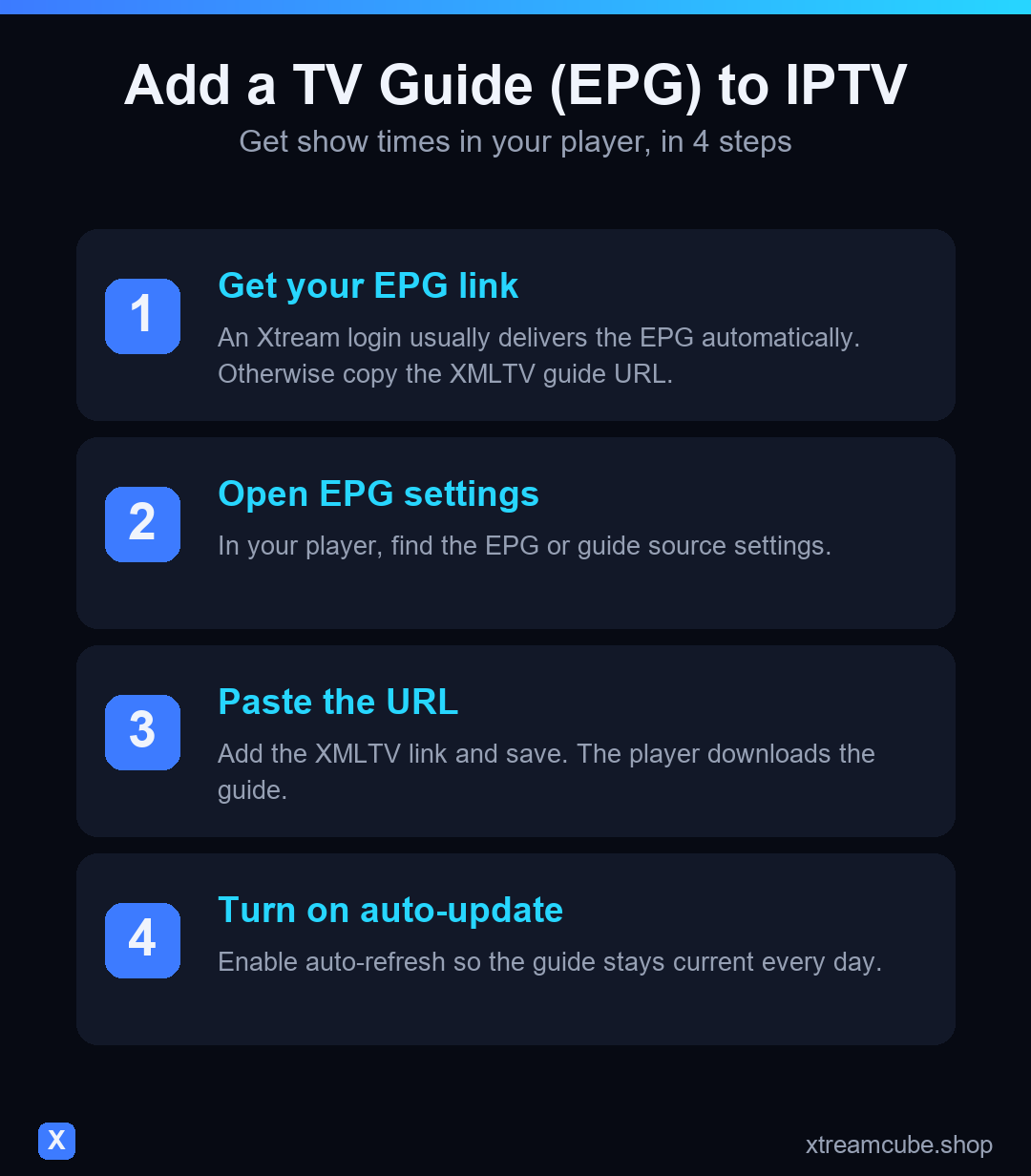
If you used an M3U link, or you want to supply your own guide, you add an EPG source as an XMLTV URL in your player’s settings. The broad steps are the same everywhere:
- Open your player’s settings and find the EPG or TV Guide section.
- Add a new EPG source and paste the XMLTV URL.
- Save and let the guide download; this can take a minute.
- If channels and guide entries do not line up, use the player’s channel-to-EPG matching option.
You can confirm an XMLTV source is valid first with our free EPG checker tool.
Per-player steps
IPTV Smarters Pro
With an Xtream Codes login the EPG loads automatically. If it is empty, open the EPG settings and refresh the guide. Full guide: Smarters Pro.
TiviMate
TiviMate usually loads the EPG from an Xtream Codes playlist. To add or refresh it, open Settings, then EPG, and add the source or refresh. Full guide: TiviMate.
MAG and Enigma2 boxes
MAG boxes pull the guide from the portal automatically. On Enigma2, you may need to set an EPG source for the IPTV bouquet. See MAG and Enigma2 setup.
The time-zone detail that trips everyone up
This is the single most common EPG problem: the guide loads, but every programme is at the wrong time. The cause is almost always a wrong device time zone. If your device clock is set to the wrong region, the whole schedule shifts. Fix the device time zone, refresh the guide, and the times line up. This matters most for live sport and catch-up, where the wrong time sends you to the wrong programme.
Troubleshooting the guide
| Problem | Likely cause | Fix |
|---|---|---|
| Guide completely empty | Not loaded yet, or no EPG source | Wait a minute and refresh; add an XMLTV source if on M3U |
| Wrong times everywhere | Device time zone | Set the correct time zone and refresh the guide |
| Guide on some channels only | Partial EPG data | Normal; not every channel has full guide data |
| Channels and guide do not match | Mapping | Use the player’s channel-to-EPG matching option |
| Guide will not refresh | Source or cache | Remove and re-add the EPG source, then reload |
Set up your guide on a free trial
The easiest way to see the guide working is on a real line. Start a free 24-hour trial with no payment details, get your Xtream Codes login by email, and the EPG should populate automatically in your player.
Frequently asked questions
What is an EPG? It is the TV guide data, the programme titles, times and descriptions that fill your player’s schedule.
Does the guide load automatically? With an Xtream Codes login, usually yes. With an M3U link, you may need to add an XMLTV source.
Why is my guide empty? It may not have loaded yet, or there is no EPG source. Wait a minute and refresh, or add an XMLTV URL.
Why are the times wrong? Almost always a wrong device time zone. Fix the clock and refresh the guide.
How do I add an EPG manually? In your player’s EPG settings, add the XMLTV URL as a source, then let it download.
Why does only part of the guide show? Not every channel has full guide data; partial EPG is normal.
How do I match channels to the guide? Use your player’s channel-to-EPG matching option if they do not line up.
Which login gives the best guide experience? Xtream Codes, because it loads the EPG automatically.
Is there a free trial to test the guide? Yes, a 24-hour trial with no payment details.
More XtreamCube guides
By the XtreamCube team. Last updated: 2026. We test setups on real devices and connections to keep this guide accurate.